
Self-Service Photo Kiosk for Stores
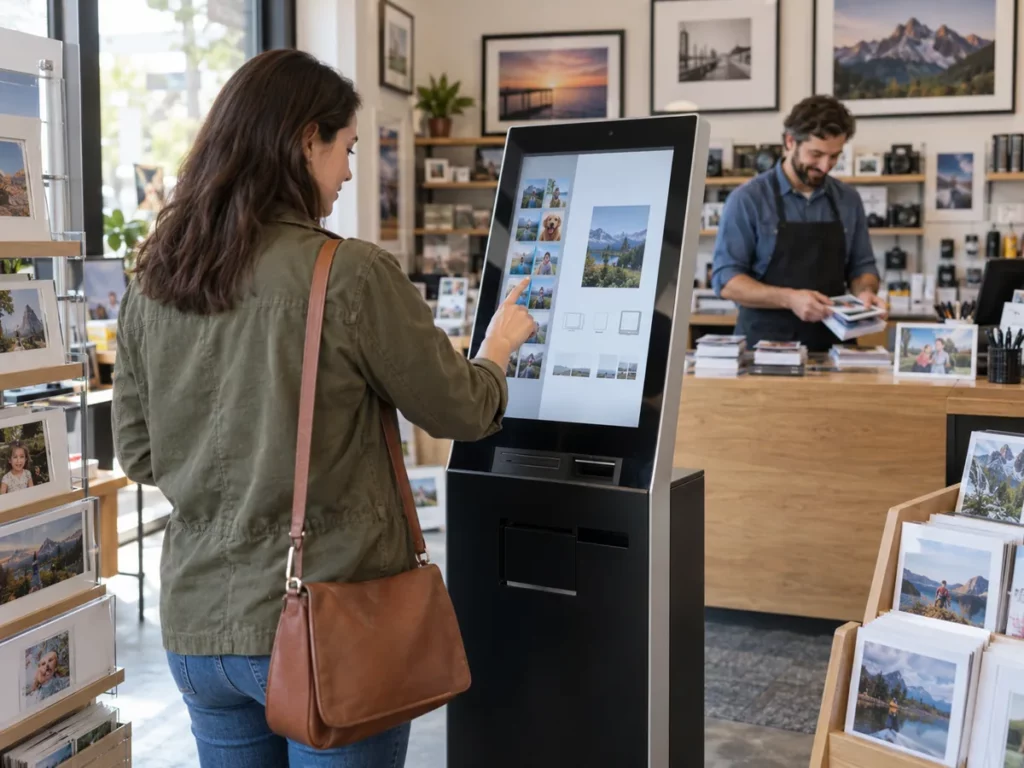
The Imaxel kiosk brings your catalogue to the place where purchasing decisions are made. Customers explore the options, prepare their product and confirm their order through a guided journey in the store.

An experience for your business
Increase your capacity to serve customers without making every order a task for the counter. Present available formats, options and products clearly while your team focuses on answering questions and preparing jobs.
Space for image
An experience for your business
Who it is for
Busy stores that receive frequent photo orders.
The journey
Customers approach the kiosk and browse the store's catalogue. They choose a product and add the relevant content.
Operations
Image input, payment and delivery are defined for each installation.
From selection to order
Increase your capacity to serve customers without making every order a task for the counter. Present available formats, options and products clearly while your team focuses on answering questions and preparing jobs.
Space for video
From selection to order
How it works

A four-step journey tailored to your business's product range.
Browse
Customers approach the kiosk and browse the store's catalogue.
Choose
Choose a product and add the relevant content.
Personalise
Personalise and review the result within the configured options.
Confirm
Confirm the order so the store can manage it according to its workflow.
Designed around your store
A well-designed kiosk highlights the products you can confidently offer and produce. We configure the journey according to the product range, available space and the way your team receives orders.
Space for image
Designed around your store
Browse
Customers approach the kiosk and browse the store's catalogue.
Choose
Choose a product and add the relevant content.
Personalise
Personalise and review the result within the configured options.
Confirm
Confirm the order so the store can manage it according to its workflow.
Value for your business
Increase your capacity to serve customers without making every order a task for the counter. Present available formats, options and products clearly while your team focuses on answering questions and preparing jobs.
A tailored offering
A well-designed kiosk highlights the products you can confidently offer and produce. We configure the journey according to the product range, available space and the way your team receives orders.
Where it fits best
Common applications based on the catalogue and how the business works.

Space for image
Where it fits best
Busy stores
Busy stores that receive frequent photo orders.
More options
Stores that want to offer more options without extending each customer interaction.
Guided service
Locations where customers benefit from step-by-step guidance towards a complete order.
Would you like to see the journey in your store?
Tell us which catalogue and order workflow you need in your store.
Request a demo ↗Discover Imaxel on video
Everything you need to know
Respuestas concretas sobre esta funcionalidad de Imaxel.
What is the Imaxel kiosk for?
It provides a selection and ordering journey at a physical self-service point, using the catalogue defined for that store.
What needs to be prepared before launch?
Available products, personalisation options and the way orders and delivery are managed need to be defined.
Can it connect with the production workflow?
Yes. Order destinations are configured according to each business’s operations.