
Photo Editor for Print Orders
Customers already have their images. The photo editor helps turn them into a specific order: select the images, choose the available options and review before confirming.
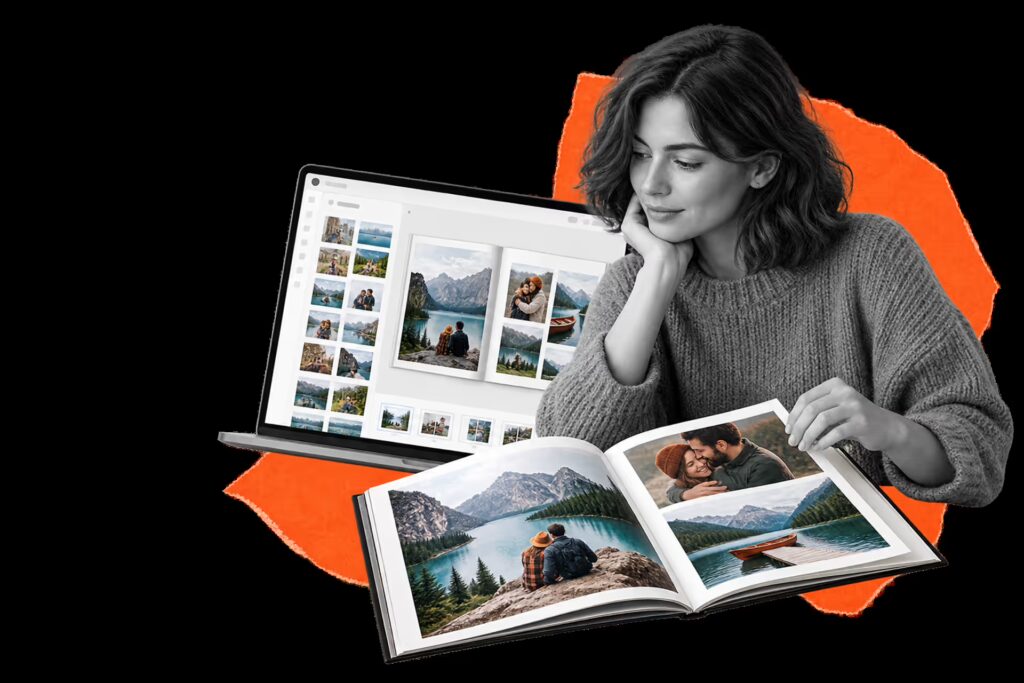
An experience for your business
Reduce common questions about formats, quantities and image selection. A clear journey helps turn photos stored on a phone into jobs ready for the store.
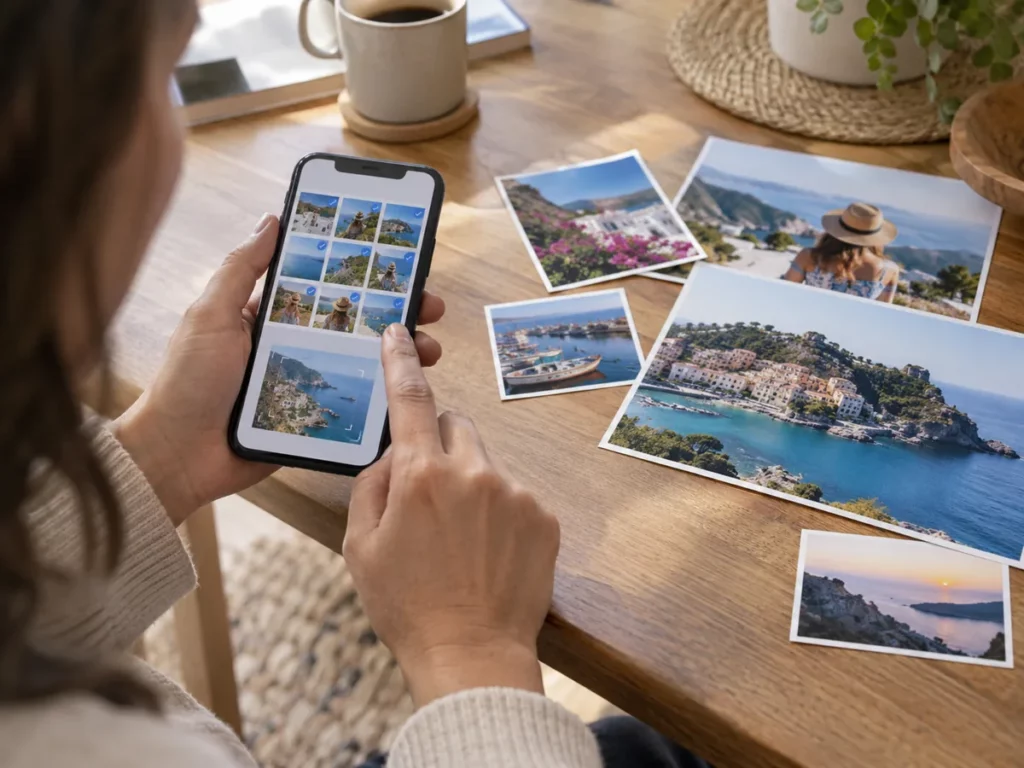
Space for image
An experience for your business
Who it is for
Stores that receive frequent photo print orders.
The journey
Customers choose an available product or print format. They add their photos and assign quantities or options where applicable.
Operations
Adjustment tools and quality warnings must be defined and validated for each offering.
From selection to order
Reduce common questions about formats, quantities and image selection. A clear journey helps turn photos stored on a phone into jobs ready for the store.
Demo in Spanish.
Space for video
From selection to order
How it works

A four-step journey tailored to your business's product range.
Choose
Customers choose an available product or print format.
Add photos
Add photos and assign quantities or options where applicable.
Review
Review the selection and confirm the order.
Manage
Your team receives the information needed to process the order according to the configured production workflow.
The first step towards more products
Prints are a natural entry point to a photo product catalogue. A simple experience can help customers discover enlargements and other products, provided the offering is useful and easy to understand.
Space for image
The first step towards more products
Choose
Customers choose an available product or print format.
Add photos
Add photos and assign quantities or options where applicable.
Review
Review the selection and confirm the order.
Manage
Your team receives the information needed to process the order according to the configured production workflow.
Value for your business
Reduce common questions about formats, quantities and image selection. A clear journey helps turn photos stored on a phone into jobs ready for the store.
A tailored offering
Prints are a natural entry point to a photo product catalogue. A simple experience can help customers discover enlargements and other products, provided the offering is useful and easy to understand.
Where it fits best
Common applications based on the catalogue and how the business works.

Space for image
Where it fits best
Frequent print orders
Stores that receive frequent photo print orders.
Mobile channel
Mobile channels where selection needs to be quick and clear.
Clear formats
Businesses that want to organise formats and options before receiving the order.
Would you like to simplify your photo orders?
Tell us which print formats you offer and how you currently receive orders.
Request a demo ↗Discover Imaxel on video
Everything you need to know
Respuestas concretas sobre esta funcionalidad de Imaxel.
What can customers order with the photo editor?
They can select their images and choose from the print formats available in the catalogue.
Can different sizes and finishes be offered?
Yes. The specific range of sizes, materials and finishes is defined for each business.
How is the photo order managed?
The images and selected options enter the configured production and delivery workflow.