
PrestaShop Module for Selling Personalised Products
Connect a PrestaShop product page with an editing experience. Customers personalise their design and continue the shopping journey within the store.

An integration for PrestaShop
Retailers and integrators that work with PrestaShop and need to add visual personalisation to their catalogue.

Space for image
An integration for PrestaShop
Who it is for
Retailers and integrators that work with PrestaShop and need to add visual personalisation to their catalogue.
Product and editor
The integration links the product with its personalisation configuration, allowing the order to retain a reference to the design created by the customer.
Operations
Suitable when PrestaShop needs to continue managing the catalogue, basket, customers and checkout, while Imaxel handles visual product personalisation.
Product, editor and order working together
The integration links the product with its personalisation configuration, allowing the order to retain a reference to the design created by the customer.
Space for video
Product, editor and order working together
From product to personalised order
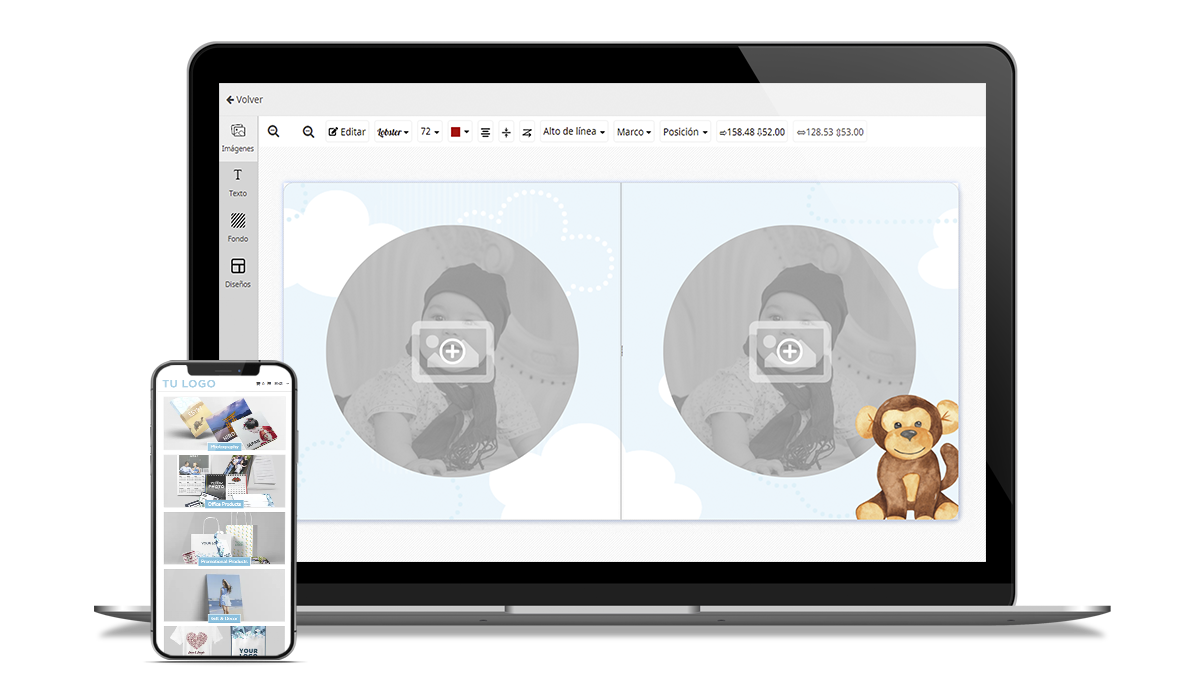
Four capabilities this integration brings to the shopping journey.
Open the editor
Start editing from the relevant product.
Keep the design
Link the design, options and order.
Prepare the order
Prepare the resources needed for production.
Keep your platform
Keep PrestaShop as your commerce platform.
An integration designed for your store
Suitable when PrestaShop needs to continue managing the catalogue, basket, customers and checkout, while Imaxel handles visual product personalisation.
Space for image
An integration designed for your store
Editing from the product page
Start editing from the relevant product.
Linked design
Link the design, options and order.
Production resources
Prepare the resources needed for production.
Commerce platform
Keep PrestaShop as your commerce platform.
Technical validation
Before implementing the module, review the version, store customisations, checkout and post-order workflow.
Coordinated implementation
Suitable when PrestaShop needs to continue managing the catalogue, basket, customers and checkout, while Imaxel handles visual product personalisation.
Before implementation
Before implementing the module, review the version, store customisations, checkout and post-order workflow.
Space for image
Before implementation
Catalogue
The PrestaShop version and modules that affect products or checkout.
Purchase
The relationship between the product, combinations and Imaxel template.
Production
The order download, preparation and production process.
Let us discuss your project
Send us your PrestaShop version, product type and the shopping journey you want to offer.
Request a demo ↗Discover Imaxel on video
Everything you need to know
Respuestas concretas sobre esta funcionalidad de Imaxel.
How does the PrestaShop plugin relate to Imaxel?
The plugin connects the personalisation experience with products in a PrestaShop store, according to the integration configuration.
Do product variants need to be reviewed?
Yes. Define how variants, templates and available options relate to each other before publishing each product.
How is the personalisation passed to the order?
The implementation must retain the information needed to link the personalisation with the order and subsequent workflow.