
WooCommerce Plugin for Selling Personalised Products
Add personalisation to a store built with WordPress and WooCommerce. Customers configure the product before adding it to their basket, and the personalisation stays linked to the order.

An integration for WooCommerce
Retailers and agencies that use WooCommerce and want to sell configurable photo or printed products.

Space for image
An integration for WooCommerce
Who it is for
Retailers and agencies that use WooCommerce and want to sell configurable photo or printed products.
Product and editor
The configuration must coordinate the WooCommerce product with the editor, variants and generated output. We work with you to assess how it fits your theme and existing shopping journey.
Operations
An option for retailers that want to keep WooCommerce for their catalogue, basket and checkout, while adding an editing experience for configurable products.
A journey integrated into your store
The configuration must coordinate the WooCommerce product with the editor, variants and generated output. We work with you to assess how it fits your theme and existing shopping journey.
Space for video
A journey integrated into your store
From product to personalised order
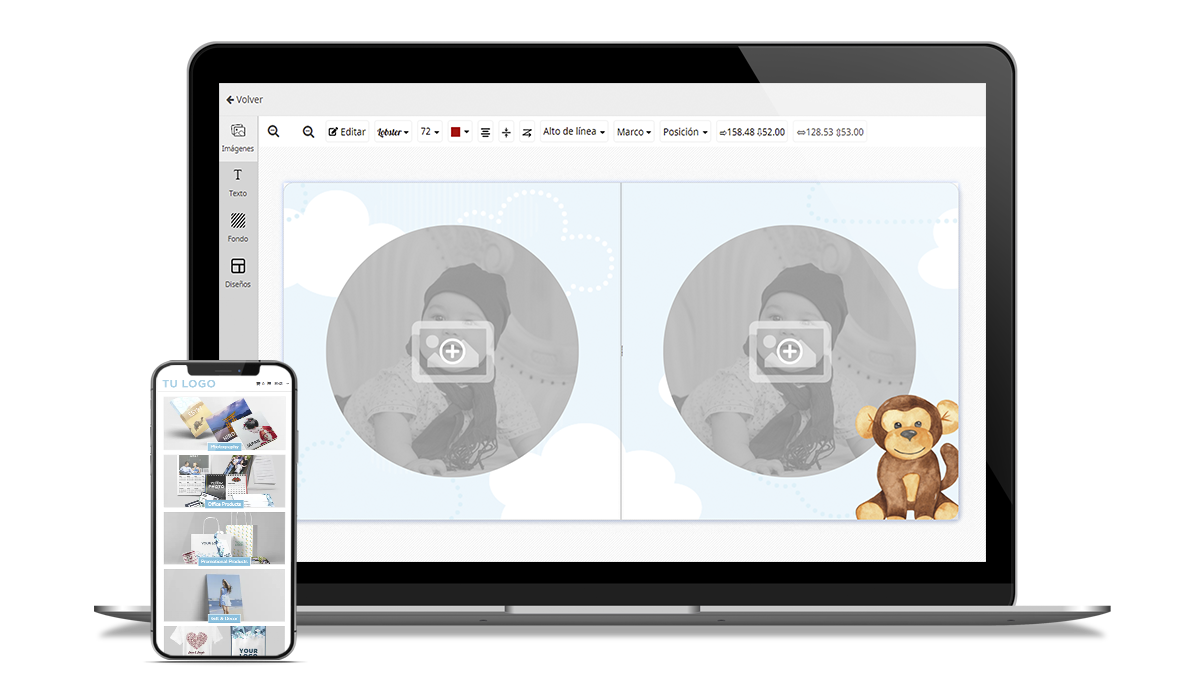
Four capabilities this integration brings to the shopping journey.
Open the editor
Open the editor from the product page.
Keep the design
Link the personalisation with the purchase.
Prepare the order
Collect the files and data needed for production.
Keep your platform
Keep WooCommerce as your ecommerce platform.
An integration designed for your store
An option for retailers that want to keep WooCommerce for their catalogue, basket and checkout, while adding an editing experience for configurable products.
Space for image
An integration designed for your store
Editing from the product page
Open the editor from the product page.
Linked design
Link the personalisation with the purchase.
Production resources
Collect the files and data needed for production.
Commerce platform
Keep WooCommerce as your ecommerce platform.
Technical validation
It is important to validate the version, catalogue, pricing rules, checkout and production destination. Specific compatibility depends on the project's technical environment.
Coordinated implementation
An option for retailers that want to keep WooCommerce for their catalogue, basket and checkout, while adding an editing experience for configurable products.
Before implementation
It is important to validate the version, catalogue, pricing rules, checkout and production destination. Specific compatibility depends on the project's technical environment.
Space for image
Before implementation
Catalogue
WordPress and WooCommerce versions, the theme and relevant extensions.
Purchase
Products and variants to link with each template.
Production
The destination for designs, files and data after purchase.
Let us discuss your project
Share your WooCommerce store configuration and an example of the product you want to personalise.
Request a demo ↗Discover Imaxel on video
Everything you need to know
Answers about the WooCommerce integration and the order journey.
What does the Imaxel plugin for WooCommerce do?
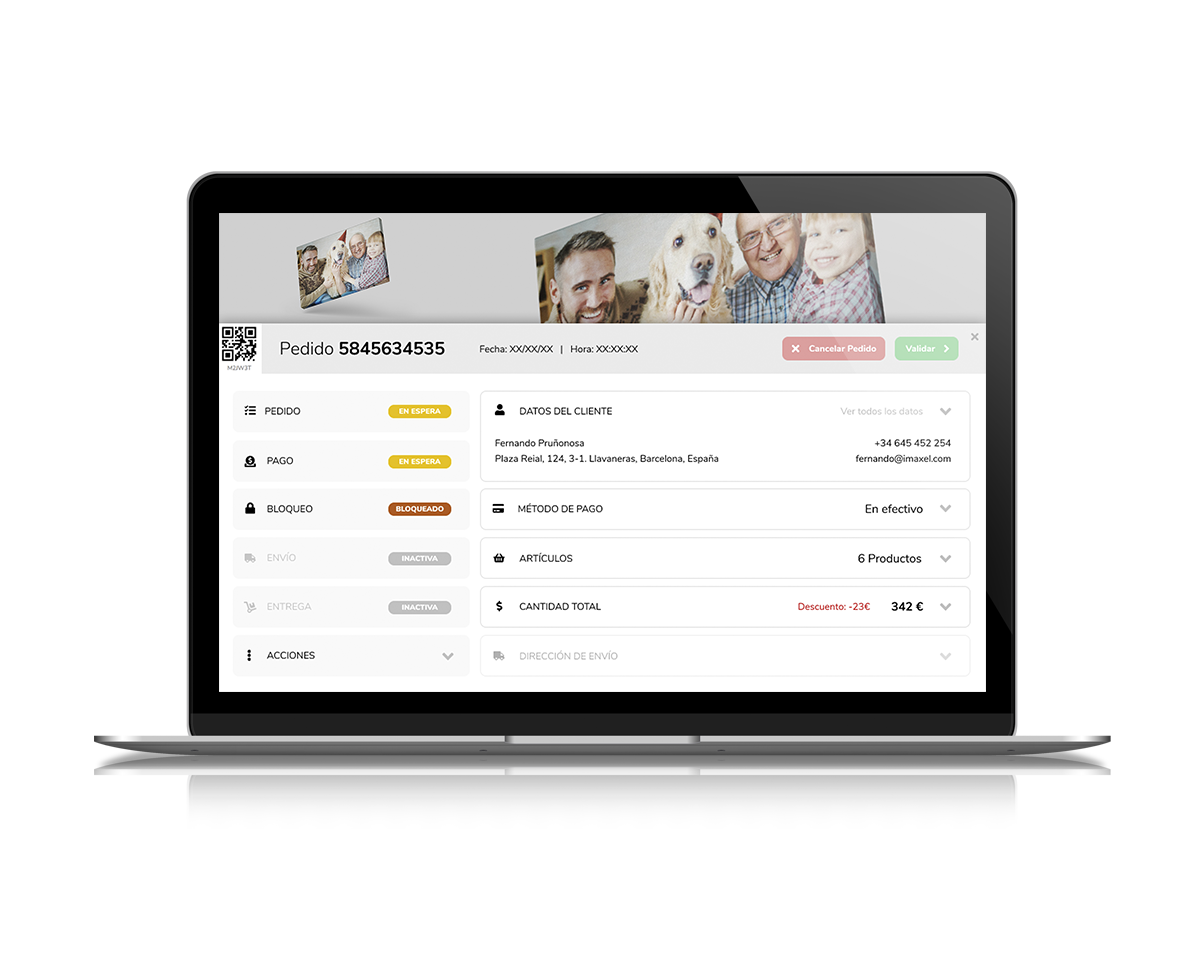
It adds access to the editor from the product page and keeps the personalisation linked to the item and WooCommerce order.
Does it work with simple and variable products?
The configuration must assess the product structure and its variants to define how they connect with templates and personalisation options.
Is it compatible with every theme or extension?
Universal compatibility should not be assumed. The theme, checkout and extensions that modify products or the basket need to be reviewed before implementation.
How does production receive the design?
The integration retains the personalisation reference and resources so the subsequent workflow can prepare the job according to the configuration.