
Personalised Photo Decor Editor
Putting a photograph on the wall involves choosing more than an image. The personalised decor editor guides customers through selecting the product, its options and the final design.

An experience for your business
Make it easier to sell decor products with more variables than a standard print. Customers can make clearer decisions, and your team receives an order linked to the chosen material and specifications.

Space for image
An experience for your business
Who it is for
Enlargements and photo decor for the home.
The journey
Customers choose a decor product from your catalogue and select the available dimensions, variants and finishes.
Operations
Confirm the design to start the order.
From selection to order
Make it easier to sell decor products with more variables than a standard print. Customers can make clearer decisions, and your team receives an order linked to the chosen material and specifications.
Demo in Spanish.
Space for video
From selection to order
How it works
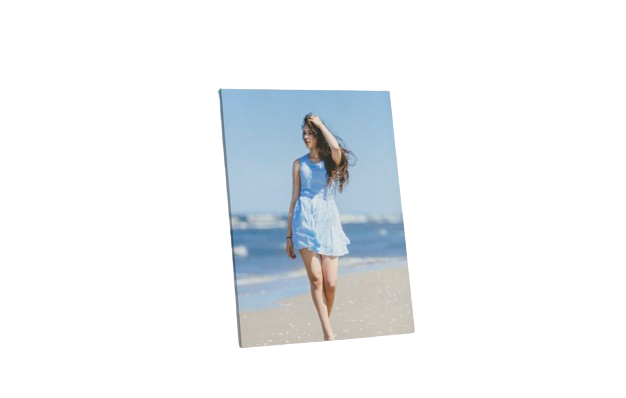
A four-step journey tailored to your business's product range.
Choose
Customers choose a decor product from your catalogue.
Configure
Select the available dimensions, variants and finishes.
Add an image
Add the image and review the composition provided by the template.
Confirm
Confirm the design to start the order.
Present each material clearly
Different materials produce different results. Explaining dimensions, finishes and recommended uses helps customers choose and reduces uncertainty before production.
Space for image
Present each material clearly
Choose
Customers choose a decor product from your catalogue.
Configure
Select the available dimensions, variants and finishes.
Add an image
Add the image and review the composition provided by the template.
Confirm
Confirm the design to start the order.
Value for your business
Make it easier to sell decor products with more variables than a standard print. Customers can make clearer decisions, and your team receives an order linked to the chosen material and specifications.
A tailored offering
Different materials produce different results. Explaining dimensions, finishes and recommended uses helps customers choose and reduces uncertainty before production.
Where it fits best
Common applications based on the catalogue and how the business works.

Space for image
Where it fits best
Home decor
Enlargements and photo decor for the home.
A range of materials
Stores offering a range of materials and different finishes.
Large format
Businesses that want to sell larger-format products through digital channels.
Want to showcase your decor range?
Tell us which materials, dimensions and finishes you want to showcase.
Request a demo ↗Discover Imaxel on video
Everything you need to know
Respuestas concretas sobre esta funcionalidad de Imaxel.
What can customers personalise with the decor editor?
It lets customers configure decor products in the catalogue using the images and options enabled for each one.
Can I offer different formats and materials?
The available formats, materials and finishes are defined in the project catalogue.
How are the chosen options passed to production?
The order retains the design and selected specifications so the job can be prepared.