
Production Workflow for Personalised Photo Orders
Selling a personalised product is only the beginning. Next, the job needs to be identified, its design retrieved, its options understood and the product prepared for delivery. Imaxel helps connect these steps within the operations defined for your business.

An experience for your business
A clear production workflow reduces manual searches and confusion between orders, files and specifications. Your team can work with a more complete context, whether the order comes from the store or an online channel.

Space for image
An experience for your business
Who it is for
Businesses that receive orders from several channels.
The journey
The order contains the product, variants and a reference to its personalisation. The job is routed to the configured production destination.
Operations
Available automations and connections are specified when reviewing the existing systems.
From selection to order
A clear production workflow reduces manual searches and confusion between orders, files and specifications. Your team can work with a more complete context, whether the order comes from the store or an online channel.
Space for video
From selection to order
How it works
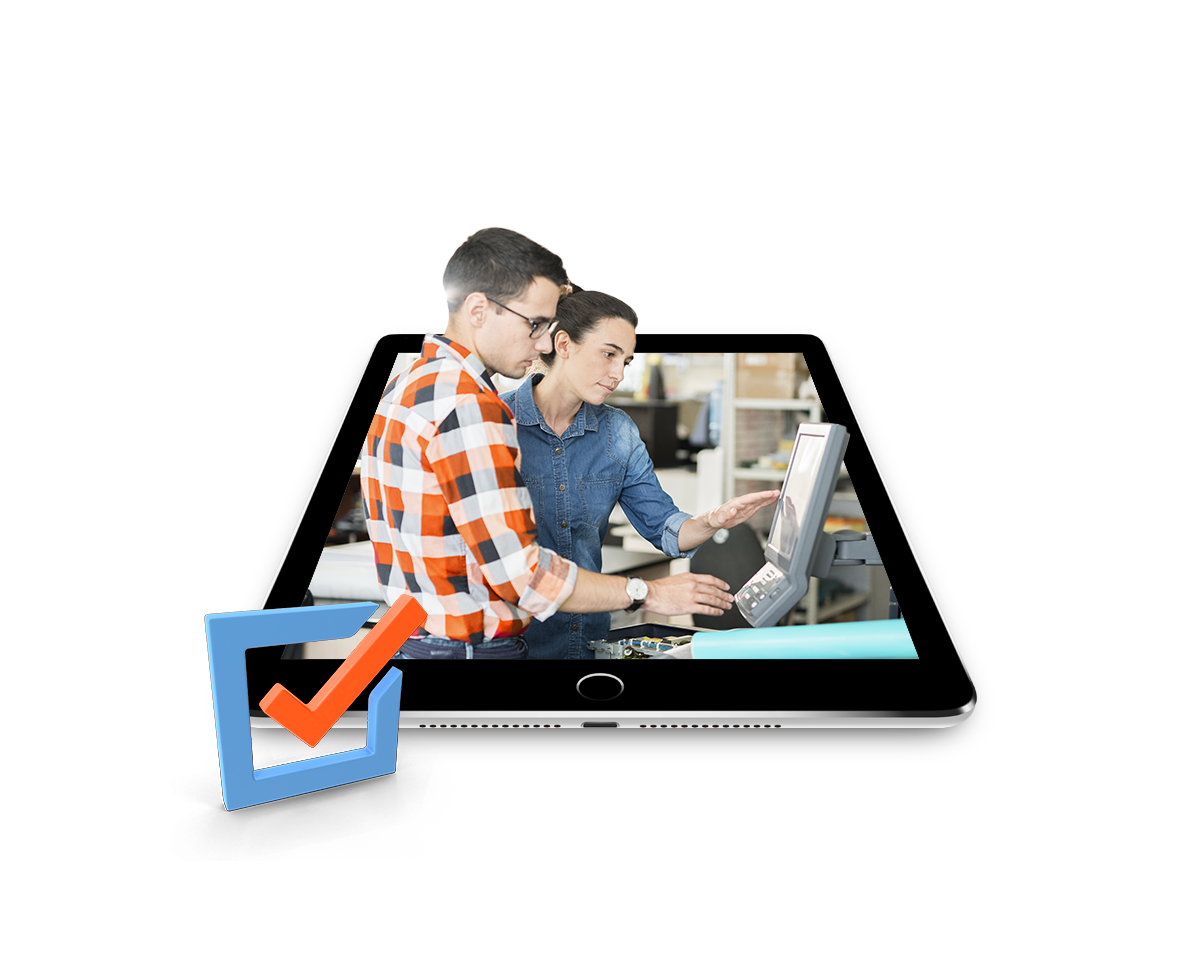
A four-step journey tailored to your business's product range.
Receive
The order contains the product, variants and a reference to its personalisation.
Route
The job is routed to the configured production destination.
Prepare
Your team reviews the data and resources needed to prepare the job.
Deliver
Production and delivery follow the operations agreed for the project.
From catalogue to delivery
For the journey to work, define what each channel sells, which files each product needs, who produces it and how the order is identified through to delivery. These decisions turn the shopping experience into a workable process.
Space for image
From catalogue to delivery
Receive
The order contains the product, variants and a reference to its personalisation.
Route
The job is routed to the configured production destination.
Prepare
Your team reviews the data and resources needed to prepare the job.
Deliver
Production and delivery follow the operations agreed for the project.
Value for your business
A clear production workflow reduces manual searches and confusion between orders, files and specifications. Your team can work with a more complete context, whether the order comes from the store or an online channel.
A tailored offering
For the journey to work, define what each channel sells, which files each product needs, who produces it and how the order is identified through to delivery. These decisions turn the shopping experience into a workable process.
Where it fits best
Common applications based on the catalogue and how the business works.
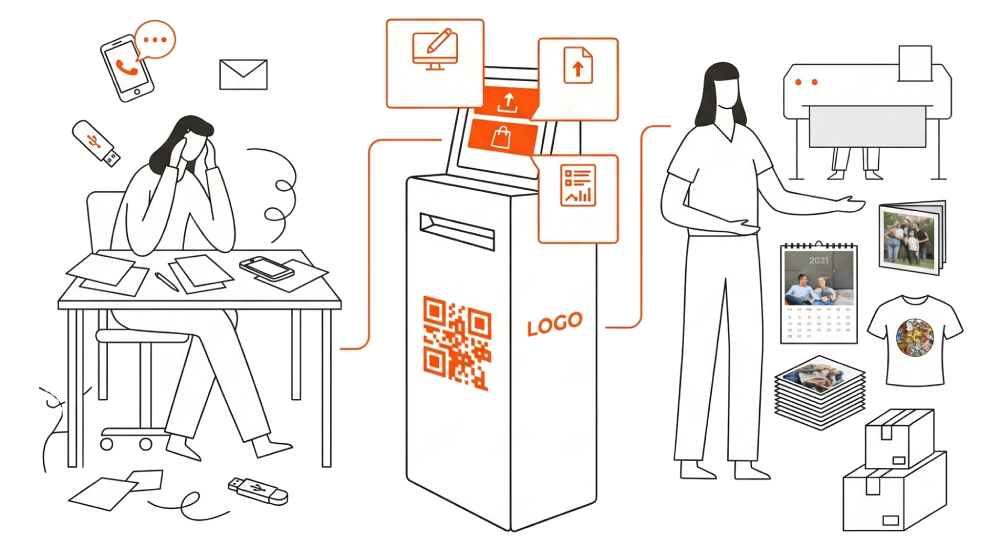
Space for image
Where it fits best
Several channels
Businesses that receive orders from several channels.
Photo products
Teams that produce different photo product families.
Fewer manual tasks
Operations that need to reduce manual tasks between sales and production.
Would you like to review your current workflow?
Tell us which channels, systems and production destinations you currently use.
Request a demo ↗Discover Imaxel on video
Everything you need to know
Respuestas concretas sobre esta funcionalidad de Imaxel.
What does the Imaxel production workflow cover?
It connects order information with the preparation, production and delivery stages defined by the business.
Can orders be routed to different destinations?
Order routing depends on the rules and facilities configured for each project.
What information accompanies the order?
The workflow needs to retain the product, personalisation and option data needed for production.