
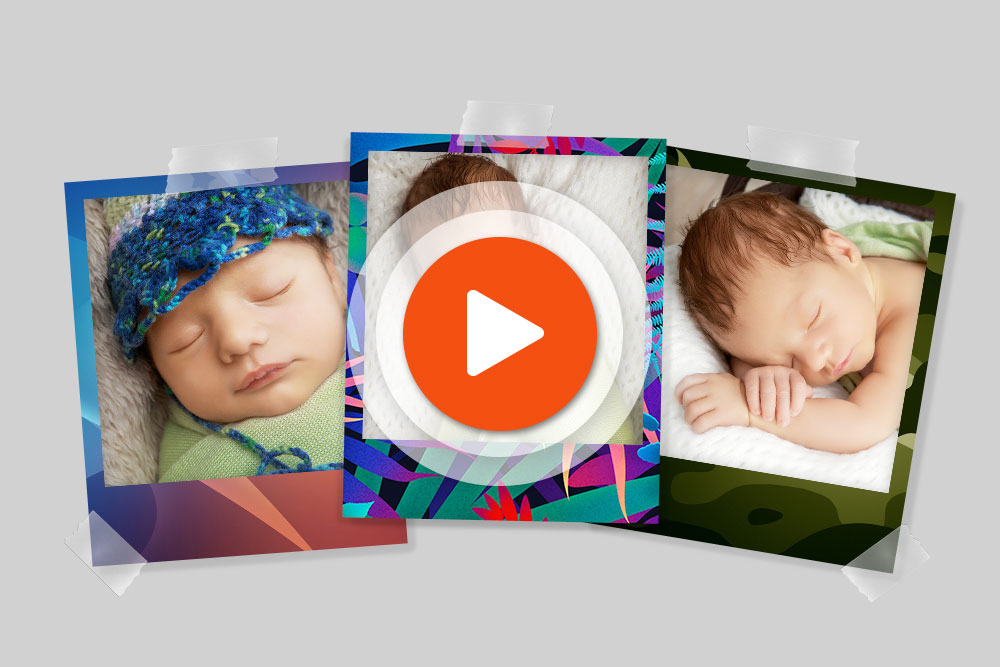
Stores can add polaroids with designed backgrounds to their photo product catalogue. Imaxel’s Fotolibro Responsive editor allows stores to create templates for this product and work with custom layouts.
Give your photo collection its own style
The background forms part of each photograph’s presentation. Preparing custom designs allows the store to define the style of the collection it offers to customers.
As a starting point, the store can plan a collection for a specific occasion, such as a gift or celebration, and prepare matching backgrounds. The tutorial examples show photographs with different background designs.
Templates and custom layouts
The product is configured in the Fotolibro Responsive editor. The original tutorial explains how to create polaroid templates with designs and use custom layouts.
The video introduces the configuration process before the store prepares its collection.
Define the collection before adding it to your catalogue
To present a clear range, select the backgrounds that will form part of the collection and show examples of the result. This helps customers understand the style of the polaroids offered by the store.