
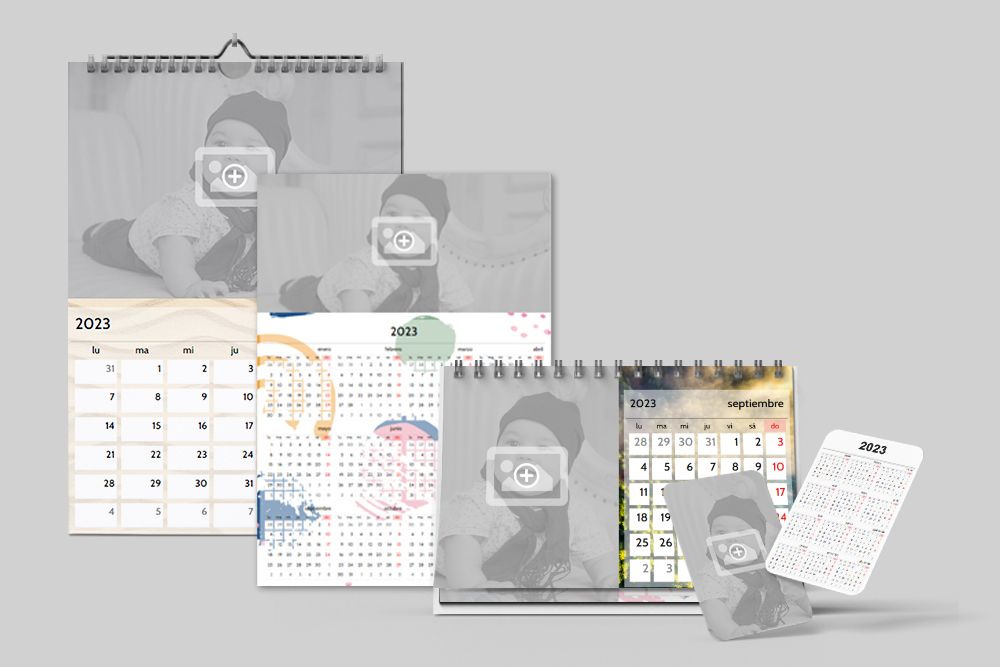
Calendars combine photographs, design and dates in a single product. With Imaxel’s online editor, stores can prepare automatic calendars or add their own designs for customers to personalise.
Automatic calendars with personalisation options
The Calendarios Automáticos component generates the calendar within the editor. Stores can set the language, year and starting month, add public holidays automatically and choose the first day of the week.
This option supports wall, desk, annual and pocket calendars. The store can select the formats to include in its catalogue and define the product’s technical specifications.
The video shows how the automatic calendar editor works.
Calendars with your store’s own designs
Stores working with their own designs can upload files for each page and add the editor’s personalisation options. This allows the design team’s work to become part of the product offered to customers.
The original tutorial explains how to create a calendar with a custom design.
Examples of calendar formats for your catalogue
Automatic calendars
The original collection includes wall, desk, annual and pocket calendars. It can serve as a reference when choosing formats for the store’s range.
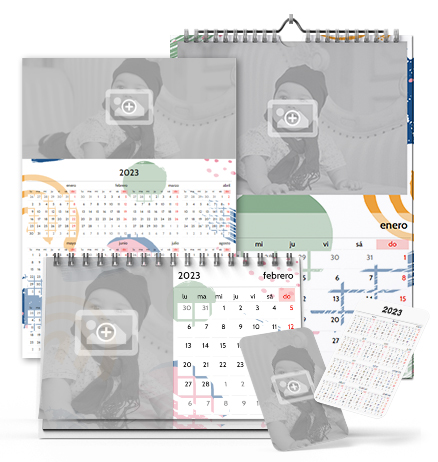
Open the original automatic calendars demo
Wall calendar
The original 2023 example uses a portrait DIN A4 format, with a cover and twelve pages. It includes a custom design and fixed spaces for photographs.
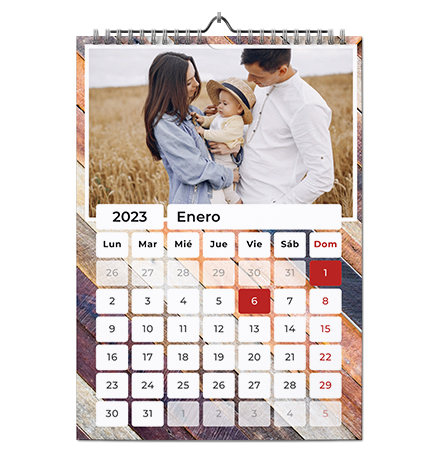
Open the original 2023 wall calendar example
Desk calendar
The original 2023 example uses a landscape DIN A5 format, with a cover and twelve pages. It also includes a custom design and fixed spaces for photographs.
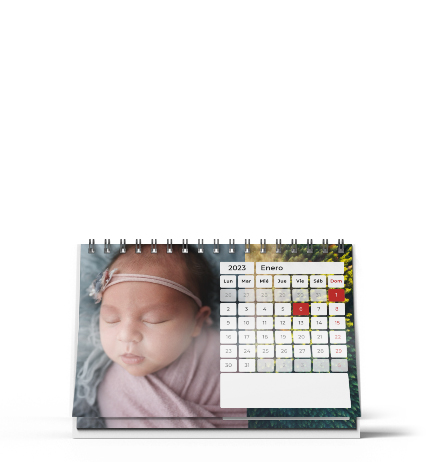
Open the original 2023 desk calendar example
Plan your store’s calendar range
When planning a calendar campaign, define the formats you will offer and whether you will use automatic calendars, custom designs or both. Before presenting the product to customers, check the year, dates and specifications of each calendar.